
Digital Information
When I was a boy everything was paper. Contracts, letters, pictures, bank statements, investment statements, and all contracts were kept in file folders or albums. That has changed. I have a filing cabinet, and it contains things like tax returns, birth certificates, and passports. It does not contain 99% of the important things Cindie will need if I am no longer here to help her.
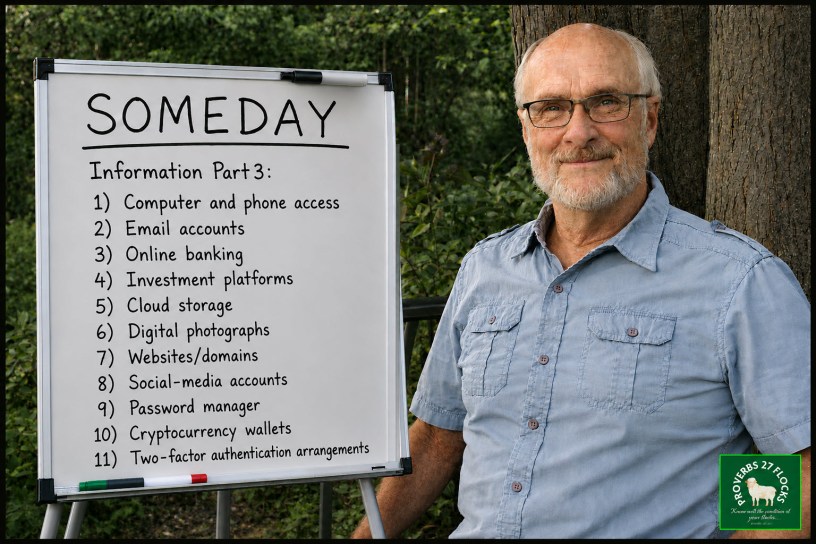
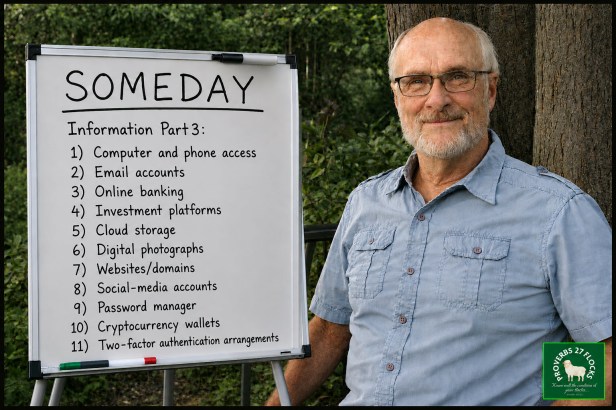
The world has changed because of the “World Wide Web.” Now you have to think about and manage computer and phone access, Email accounts, Online banking, investment platforms, cloud storage, digital photographs, websites/domains (like Proverbs27Flocks), social-media accounts, password managers, cryptocurrency wallets (we don’t have these!), and two-factor authentication arrangements. Do you ever have trouble remembering a password or do you struggle to keep up? I understand. Now imagine what life will be like for your spouse, children, personal representatives and other people who you have in your life if they don’t know how to manage what you manage.
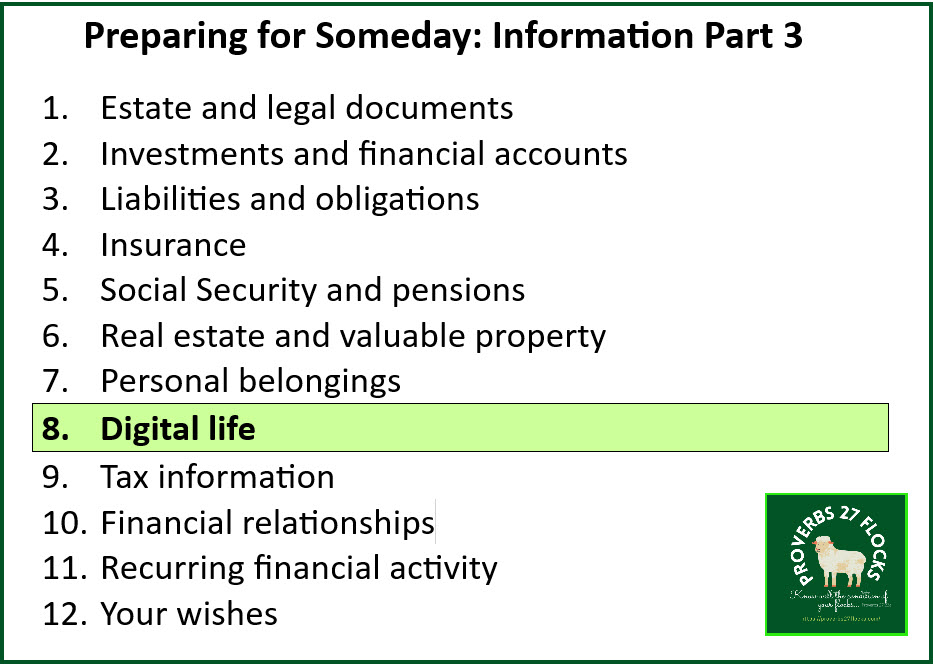
Computer and phone access – This may be the most important one of all. Cindie and I use the same code to access our current laptops. The new laptops that I am setting up have fingerprint technology, and the backup is using the code we share. Our phones also use the same code. Therefore, if something happens to me and Cindie needs to access the information on my iPhone, she knows the code to gain access. I’ve seen friends struggle because this information was not shared.
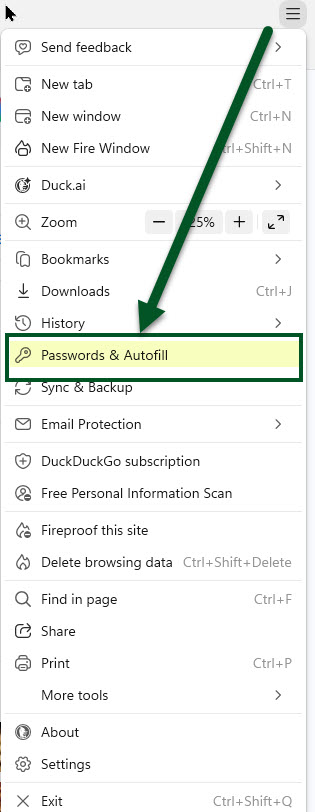
Email accounts – My primary email account is waynelwinquist@gmail.com and the password is very hard to guess. Thankfully, if Cindie logs into my laptop and opens my browser, one of the tabs is my GMAIL. I have “Passwords and Autofill” turned on, so many of my passwords are saved on my laptop. She can get to those passwords by entering the same laptop code for my computer. I have other email accounts, including one for her brother. She would want to be able to access my email and her brother’s email because important documents and reminders appear in our email. This includes payment reminders, statements from utilities, and documents from our insurance company.
Online banking – We have simplified this in our lives. We don’t have any walk-in banking arrangements. All of our banking is done on Fidelity Investments. However, bear in mind that credit card access is also important. Again, because we use the Fidelity Rewards VISA, that is available when we log onto the Fidelity website. We also have a Chase VISA for Amazon purchases, and there is a separate sign-in for that account. I pay both credit cards in full each month.
Investment platforms – We have two. One is Fidelity Investments and the other is Robinhood. However, I also have a Seeking Alpha account and subscription that she might want to renew. Related to this is my use of TurboTax to file our income taxes and access to the IRS and Wisconsin Department of Revenue sites to pay our quarterly income taxes. Isn’t life wonderfully complicated?
Cloud storage – I no longer have a Dropbox account, but I do use Google Drive for some documents. Bear in mind that cloud storage is only useful if you can get to it.
Digital photographs – I have a Google photos account: https://photos.google.com/ so that is of importance. Of course I also have a lot of pictures on my iPhone.
Websites/domains – My website is the Proverbs27Flocks blog. Cindie also has her own blog as well.
Social-media accounts – Me oh my! What was life like before Facebook, LinkedIn, Twitter, Instagram, and a host of other social media platforms? Again, because I use a password manager, Cindie will be able to get to my accounts. What happens to your Facebook profile if you pass away? You should have a LEGACY CONTACT. Here is a link to review: FACEBOOK
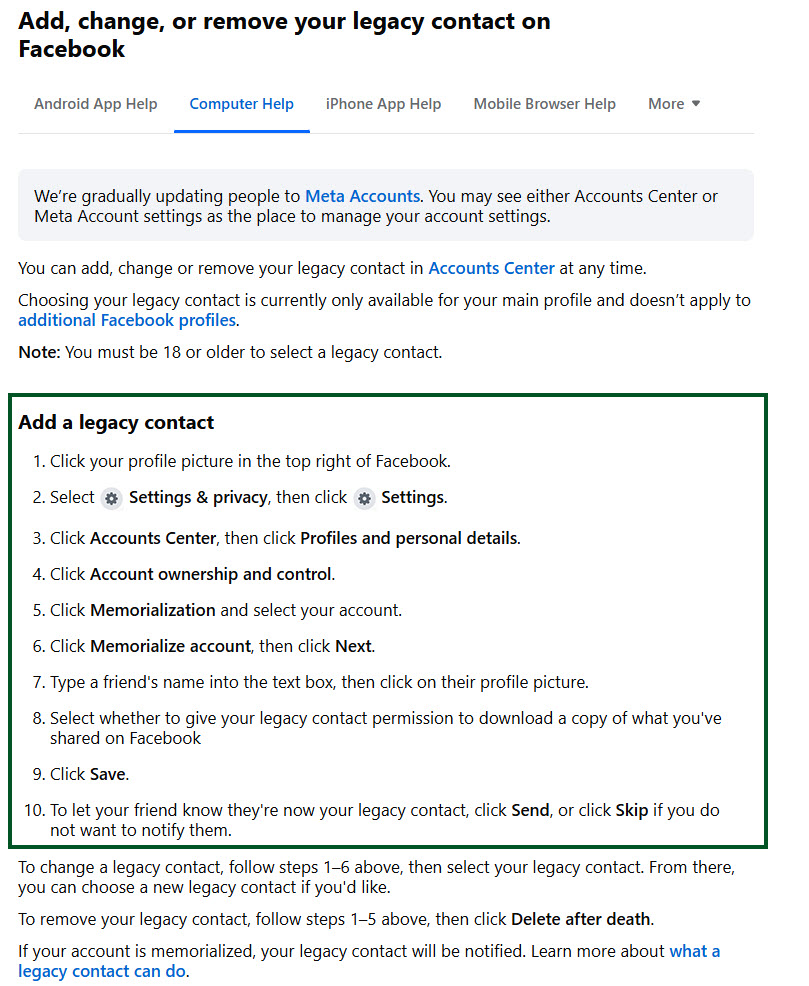
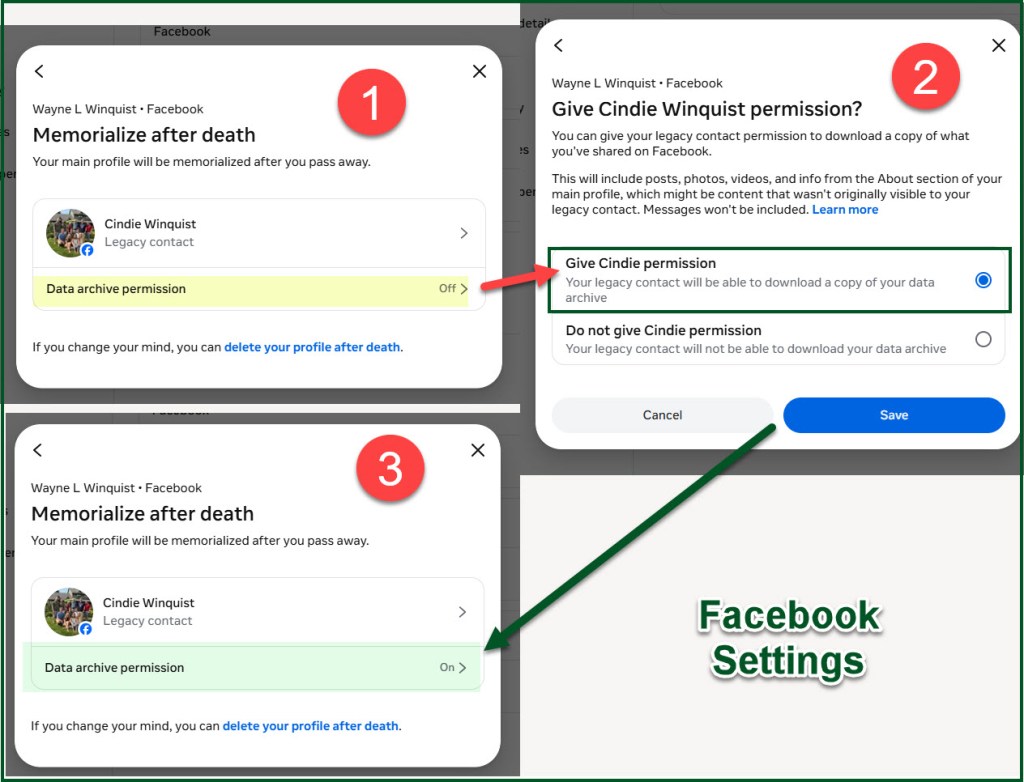
Facebook also says this: “A legacy contact is someone you choose to look after your profile if it’s memorialized. We strongly suggest setting a legacy contact so your profile can be managed once it’s memorialized. You can change your legacy contact to someone else at any time.”
Password manager – Rather than writing passwords on an unsecured document, identify where the master credentials can legally and securely be obtained. In our case I do have a spreadsheet, but most of the important current passwords are stored in Passwords and Autofill as noted above.
Cryptocurrency wallets – We don’t own any crypto and I have no plans to acquire any of this type of asset. However, if you do, don’t forget this one.
Two-factor authentication arrangements – In my case two-factors are sent to my iPhone. Therefore, if Cindie needs access to an account, she will be able to use my iPhone unless facial recognition is required. However, she can always use a normal login or have a text message sent to my iPhone.
Action Items
- Do you know the code to access your loved one’s smartphone?
- Do you know the code to access their computer or laptop?
- What online accounts are most important and how would someone access them if you are incapacitated or deceased?
- Determine who needs to know the pieces of the puzzle.
- Start sharing information now and be open to answering questions.

