
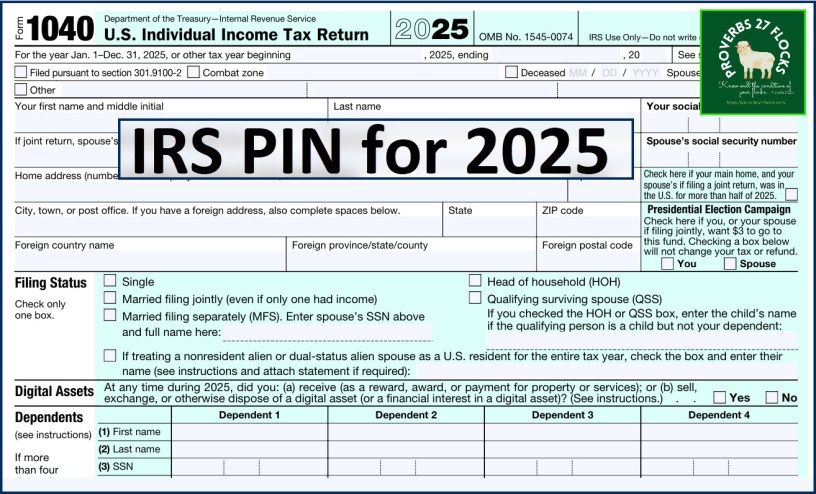
What is an IRS PIN?
An IRS PIN, specifically an Identity Protection PIN (IP PIN), is a six-digit number assigned by the IRS to help prevent identity theft when filing tax returns. It is used to verify a taxpayer’s identity and must be included on all federal tax returns filed by those who have one.
Accessing My PIN for 2025 Income Taxes
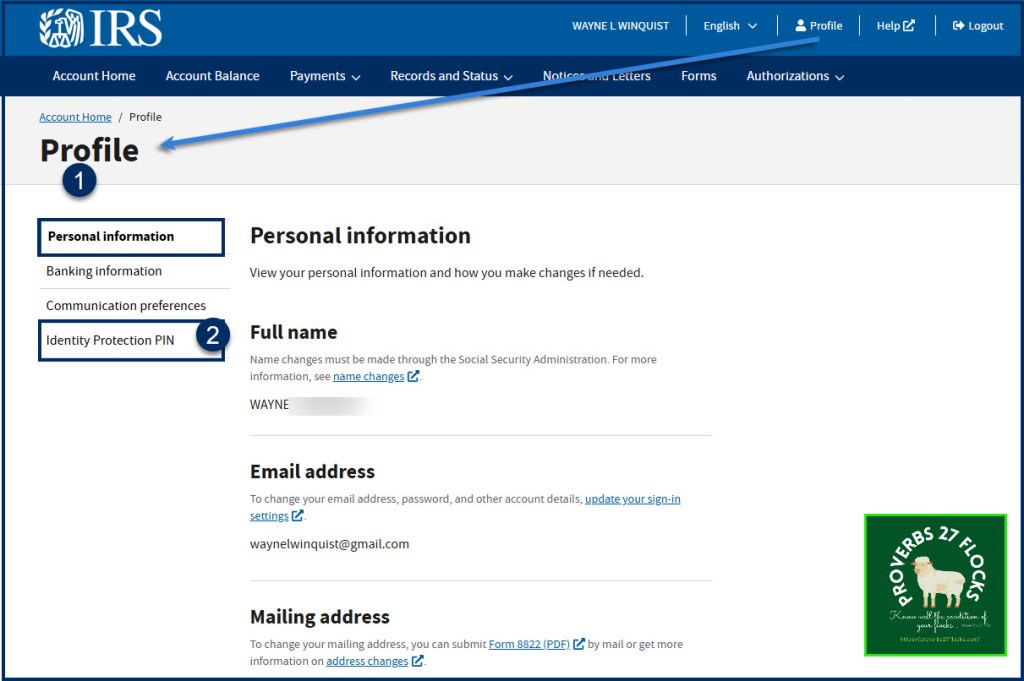
All I had to do was login to my IRS account and go to my profile. When I clicked on “Identity Protection PIN” the number I needed was displayed. (NOTE: If you are married and file jointly, don’t forget to tell your spouse your PIN number!)

Important information about IP PINs (Source: IRS)
- An IP PIN is valid for one calendar year.
- A new IP PIN is generated each year for your account.
- If the IRS enrolled you into the IP PIN program due to being a confirmed victim of tax-related identity theft, we’ll mail you a CP01A Notice with your new IP PIN each year.
- Once you have opted in and obtained an IP PIN online, you will need to retrieve your IP PIN online each calendar year as a CP01A Notice will not be mailed.
- The IP PIN is generally available in your online account starting in mid-January through mid-November.
- Logging back into your online account, will display your current IP PIN through the Profile Tab.
- An IP PIN must be used when filing any federal tax returns during the year including prior year returns.
Using an IP PIN to file
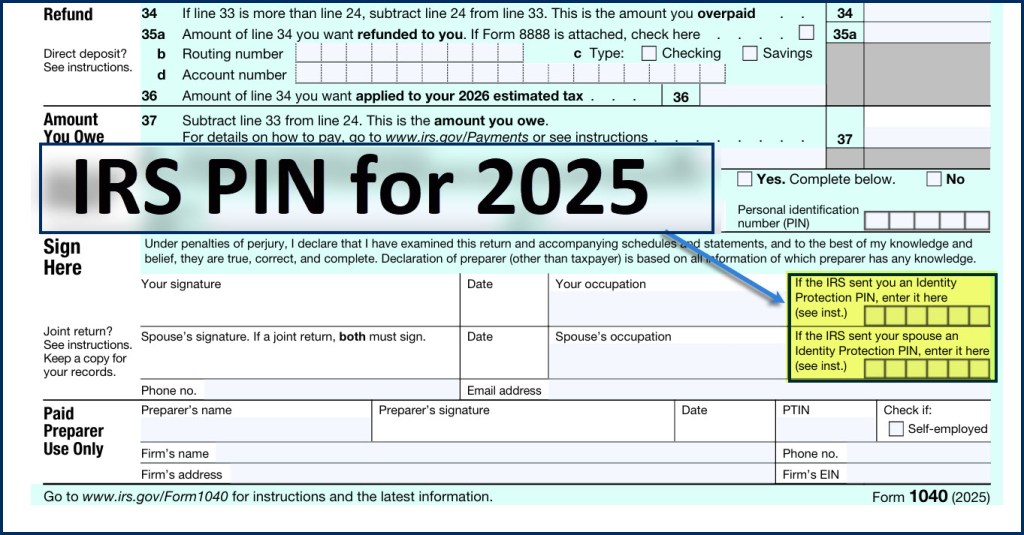
Enter the six-digit IP PIN when prompted by your tax software product or provide it to your trusted tax professional preparing your tax return. The IP PIN is used only on Forms 1040, 1040-NR, 1040-PR, 1040-SR, and 1040-SS.
Correct IP PINs must be entered on electronic and paper tax returns to avoid rejections and delays. An incorrect or missing IP PIN will result in the rejection of your e-filed return or a delay of your paper return until it can be verified.
More Tips for Changing Your PIN
This year I did not have to jump through any hoops to get my PIN. However, the following instructions might be useful if you have not done this before.
Steps to Change Your IRS Identity Protection PIN
- Visit the IRS Website: Go to the official IRS website and navigate to the Identity Protection PIN page.
- Access the Tool: Use the “Get an IP PIN” tool. You’ll need to verify your identity using your personal information.
- Select “Change PIN”: Once in the tool, select the option to change your existing IP PIN.
- Follow the Prompts: Complete the prompts to verify your identity. This may include answering security questions or providing information from your previous tax return.
- Receive New PIN: After verification, you will receive your new IP PIN. Make sure to save it securely.
- Use the New PIN: Remember to use this new PIN for your tax return for the year when you file.
Additional Information
- Important Dates: The IRS may issue new IP PINs annually, and it’s essential to use the correct one for each tax year.
- Lost PIN: If you lose your IP PIN, you can retrieve it through the same tool on the IRS website or request a new one.
Another Source: nerdwallet
Seeking Alpha Subscription Information
Of all of the resources I use, the most helpful is Seeking Alpha. If you decide to explore a Seeking Alpha subscription, please use the following link. Seeking Alpha

SEEKING ALPHA INFORMATION AND SUBSCRIPTION
You can also scan this QR Code to get the same information.

Past performance does not guarantee future results, Seeking Alpha does not provide personalized advice, and it is not a registered investment adviser.
We accept advertising compensation from companies that appear on our site. This website represents my opinions, which may not reflect those of Seeking Alpha, and does not constitute an investment recommendation or advice.
If you have any questions or problems getting connected to Seeking Alpha, reach out to them with this email address: subscriptions@seekingalpha.com
 Know Your Flocks & Herds